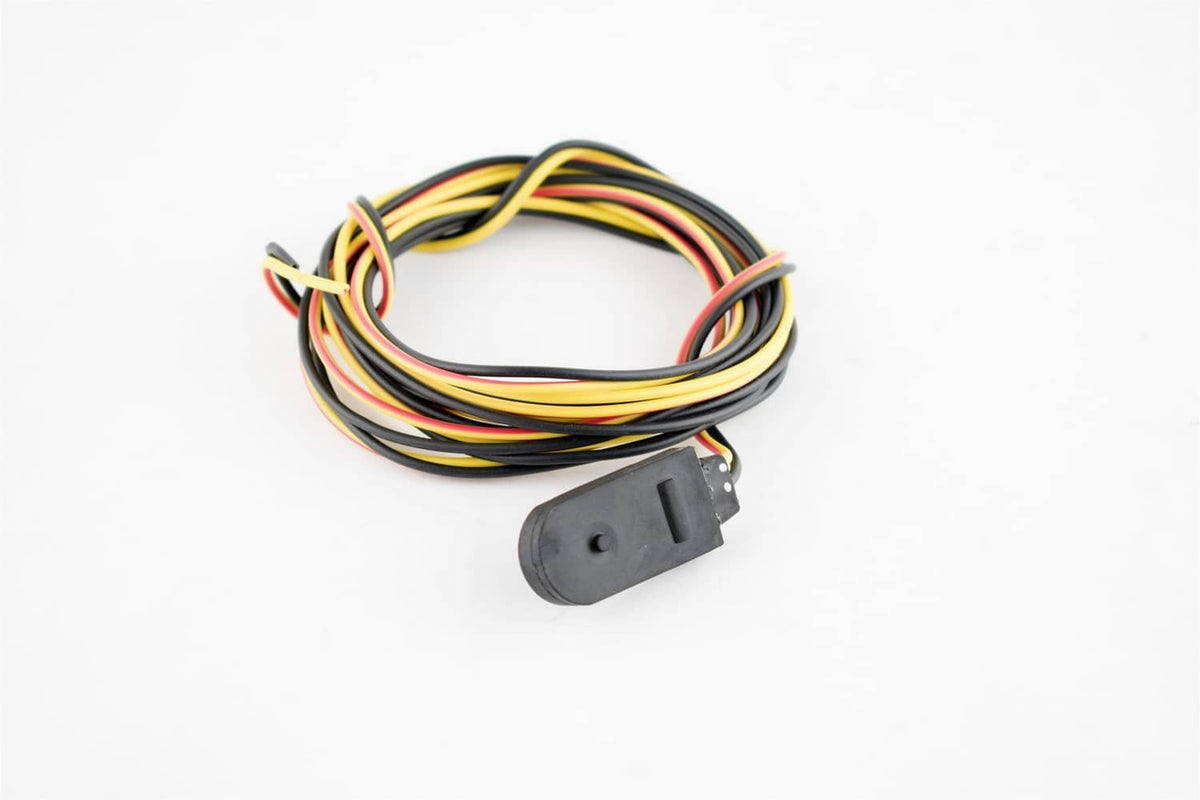
278001405 Start Stop Switch for Sea-Doo GTX RFI 800 2002
278001405 Start Stop Switch for Sea-Doo GTX RFI 800 2002
Couldn't load pickup availability
Start/Stop Switch for Sea-Doo
This start/stop switch is a replacement control for the handlebar of Sea-Doo personal watercraft, cross-referencing OEM part number 278001405, and it handles engine start and shutoff commands from the rider.
Overview
This start/stop switch for Sea-Doo gives riders a direct way to crank and kill the engine from the handlebars. It serves as a practical replacement for a worn or unresponsive switch on the GTX RFI 800 platform. Anyone restoring or maintaining a 2002 Sea-Doo can use this switch to bring back reliable push-button control.
Built For Performance
- Cross-references OEM part number 278001405 for straightforward lookup
- Handlebar-mounted design keeps start and stop control within thumb reach
- Push-button action built for repeated use on the water
- Direct replacement for a failed or sticky original switch
- Sealed construction suited to splash and spray exposure
Fits These Machines
- for Sea-Doo GTX RFI 800, 2002
On-The-Job Use
- Restoring starting control on a 2002 GTX RFI 800
- Replacing a switch that no longer responds to thumb pressure
- Routine handlebar control maintenance
- Seasonal prep before launching a personal watercraft
Specs At A Glance
| Part Number(s) | 278001405 |
| Type | Start/Stop Switch |
| Mounting | Handlebar |
| Compatible Model | Sea-Doo GTX RFI 800, 2002 |
Good To Know
Q: Does this switch replace the original on a 2002 GTX RFI 800? A: It cross-references OEM 278001405, so it is intended as a direct replacement for that switch location. Confirm the part number on your machine before ordering.
Q: Is any wiring modification needed to install it? A: It is designed to connect at the same handlebar switch position as the original. Check your existing connectors and harness condition before installation.
Slight variation in finish or dimensions may occur between production runs, and fit can depend on serial number, so confirm compatibility before ordering.
 Get it between -