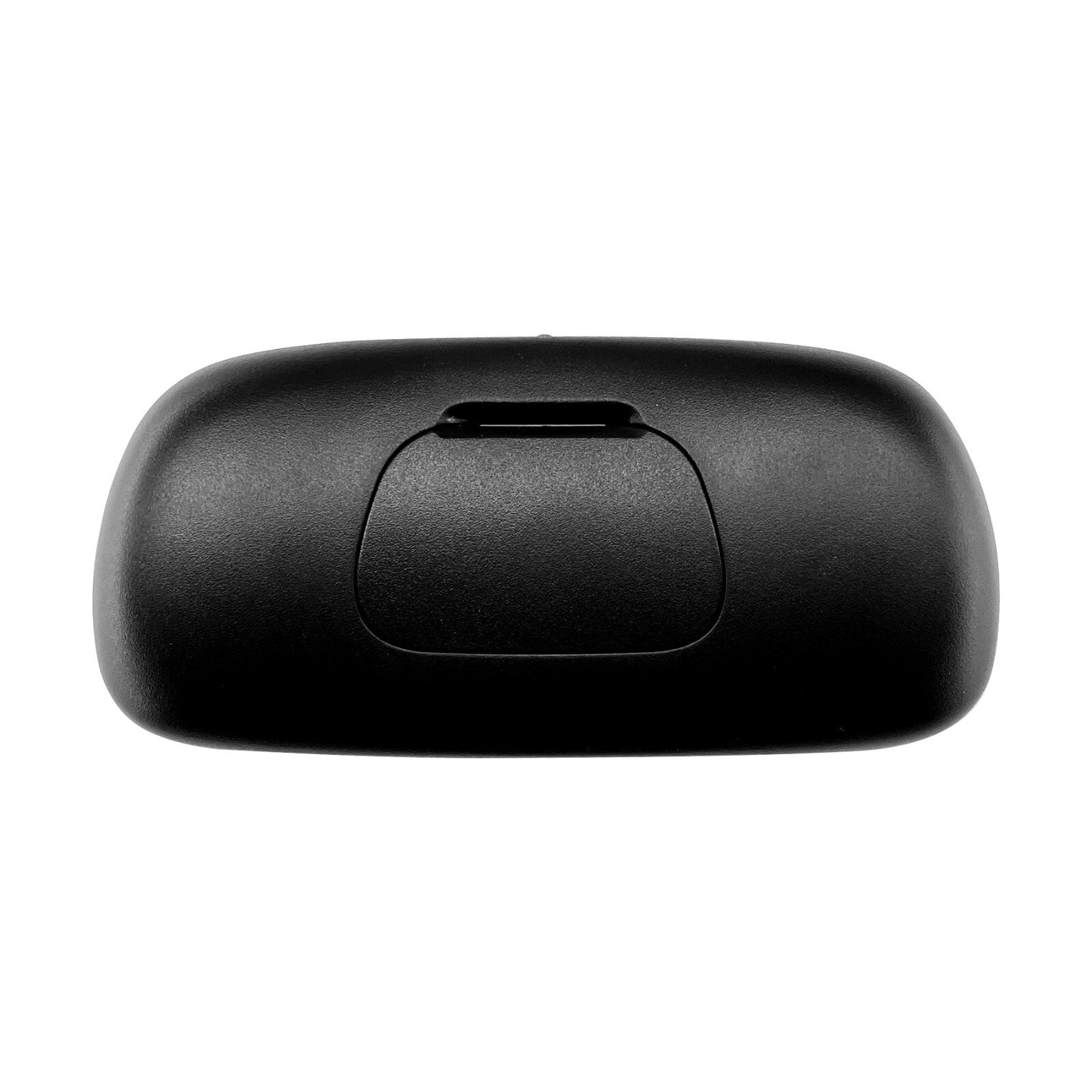
For 2014-2020 Chevrolet Silverado GMC Sierra DVD Entertainment Remote Control
For 2014-2020 Chevrolet Silverado GMC Sierra DVD Entertainment Remote Control
FREE, Fast Shipping on all orders!
DVD Entertainment Remote Control for Chevrolet Silverado and GMC Sierra
This remote control directly replaces the factory remote for the rear-seat DVD entertainment system in 2014-2020 Chevrolet Silverado and GMC Sierra pickup trucks, giving you full command over playback, menus, and settings.
Overview
The DVD Entertainment Remote Control for Chevrolet Silverado and GMC Sierra puts wireless control of the rear entertainment system in the front-seat occupant's hand. It duplicates the factory button layout so passengers can play, pause, and navigate DVDs without reaching back. Designed for owners who have lost or worn out the original remote, this DVD Entertainment Remote Control restores easy, no-look operation while driving.
Built For Performance
- Pre-programmed to work immediately; no pairing or setup required
- Large, well-spaced buttons for easy operation while driving
- Infrared signal penetrates clear line of sight to the DVD player
- Same layout as original remote for a familiar user experience
- Durable plastic housing resists drops and spills
- Uses two AAA batteries (not included) for long-lasting power
Fits These Machines
- for Chevrolet Silverado (2014-2020)
- for GMC Sierra (2014-2020)
On-The-Job Use
- Control DVD playback for rear-seat passengers during road trips
- Pause or restart a movie without turning around
- Navigate disc menus and adjust volume from the front seat
- Keep kids entertained with wireless control of the entertainment system
- Replace a lost or worn-out factory remote to restore full functionality
Specs At A Glance
| Compatible Years | 2014-2020 |
| Compatible Makes | Chevrolet, GMC |
| Compatible Models | Silverado, Sierra |
| Battery Type | 2 x AAA (not included) |
| Color | Black |
Good To Know
Q: Will this remote work as soon as I insert batteries? A: Yes, it is pre-programmed to the factory DVD entertainment system and requires no pairing; just insert batteries and it's ready to use.
Q: Does this remote control all functions of the rear DVD player? A: It duplicates the original remote layout and controls playback, menu navigation, volume, and power so you retain every function the factory remote provided.
Slight variation in finish or dimensions may occur between production runs, and fit can depend on serial number, so confirm compatibility before ordering.
 Get it between -